
UI/UX Design Professional Program
Master core UI/UX principles, user research, wireframing, prototyping, and user-centered design through real-world projects and hands-on practice to build industry-ready design skills.
Professional Certification
Upon successful completion, you will receive an industry-recognized credential.
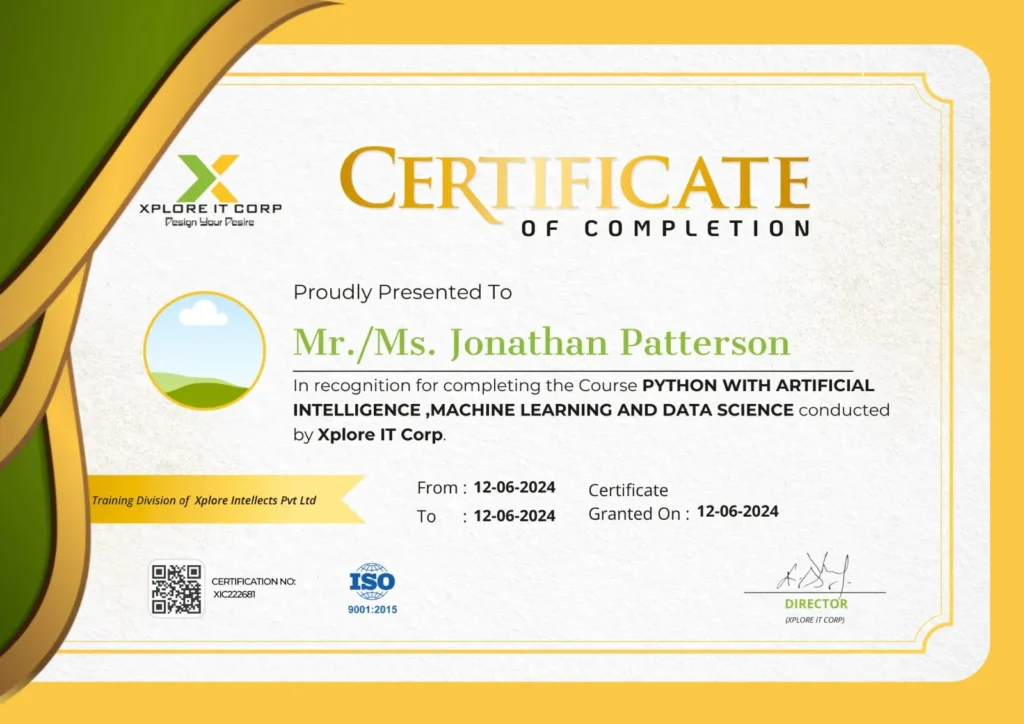
Industry-Validated Certification
Accredited by the Global Data Science Alliance and recognized by top tech employers worldwide.
Digital Verification
Includes a unique blockchain-verified ID that can be added directly to your LinkedIn profile.
Completion Criteria
Awarded upon submission of all 5 capstone milestones and passing the final technical assessment.

Jishnu Jayaprakash M
UI/UX Designer | Product Designer | Design Mentor
With a strong background in design and digital product development, Jishnu Jayaprakash delivers a practical, results-driven approach to UI/UX training, simplifying complex design concepts into clear, structured, and job-ready skills.
Focused on transforming UI/UX knowledge into real-world user experiences through hands-on projects, user research, wireframing, prototyping, and practical design thinking.
2+ Years
of Experience in UI/UX Design
50+
Real World Projects completed
60+
Batches Trained Across India
700+
Students Mentored & Guided Into Creative Careers






Course Syllabus
A comprehensive 12-week journey from basics to professional mastery.
- Understanding the difference between UI UX
- UI (User Interface) – visual and interactive components
- UX (User Experience) – user satisfaction during interactions.
- UI patterns
- Navigation patterns (e.g., tabs, menus)
- Input patterns (e.g., forms, buttons)
- Visual hierarchy.
- Effective layouts
- Grid systems and alignment principles
- A balance between text, images, and white space.
- Visual design
- Color theory and psychology
- Typography
- Layout principles
- Accessibility
- Adherence to Web Content Accessibility Guidelines (WCAG)
- Inclusive UI UX design principles
- User insights
- Interviews, surveys, and observations.
- Personalities and scenarios
- Analysing user behaviour.
- User testing
- Usability tests
- Heuristic evaluation
- Usability tests
- Validating any design changes.
- A/B testing.
- Designing interactive elements.
- Gestalt principles and visual perception
- Micro interactions
- Transitions and animations.
- Smartphone design for small screens.
- Responsive design
- Prioritizing content, user experience, and performance
- Understanding content.
- Crafting content.
- Strategically incorporating content.
- Empathy for users.
- Design iterations.
- Design Thinking methodologies.
- Information architecture.
- Sitemaps offer.
- User flows.
- Wireframes outline design structure and functionality.
- Data-driven design.
- A/B testing
- Heatmaps – an interactive visual
- Receptivity analysis.
- UI UX Design tools like Figma, or Adobe XD
- Prototyping tools such as InVision, Marvel
- Collaboration and version control tools
- Cognitive psychology principles.
- Understanding how users perceive, process.
- Hick’s Law and Fitts’ Law.
- Designing for short and long-term memory.
- Design systems for design patterns and elements.
- Mastery of design systems
- Prototyping.
- High-fidelity prototypes
- Prototyping iterations.
- Designing for different platforms (web, mobile, and desktop)
- Unsecuring seamless experiences.
- Cross-platform expertise.
- Integrity
- Upholding the user rights
- Protecting user data and privacy
- Navigating ethical challenges and legal implications
- Staying updated with trends
- Analysing UI UX design case studies.
- Engaging with design blogs, forums, and conferences