Power BI Course in Coimbatore | Dashboard Training
Best Power Bi Course in Coimbatore at Xplore IT Corp and master real-time data visualization skills. The Power BI Dashboard Training includes hands-on sessions, live business projects, and 100% placement assistance.
Get Skilled. Get Certified. Get Hired in 90 Days
- 200,000+ Students Empowered across multiple domains
- 350+ Institutional Collaborations for academic and corporate training
- 1,500+ Impactful Workshops Conducted nationwide
- 12+ Years of Unmatched Excellence in education and training
- 99% Success Rate with proven career outcomes

Trusted by 1,00,000+ Students Across India


Launch Your Tech Career Today!
Master in-demand skills with hands-on training in Java, Python, AI, Cloud, Full Stack, Digital Marketing, and Data Science. Learn from industry experts, gain real-world experience, and get 100% placement support to kickstart your dream career.
Highlights of Xplore IT Corp’s Power BI Dashboard
Dashboard Development
You will learn how to create simple and visually appealing Power BI dashboards based on actual data. This is important for reporting and visualizing business data in a very clear and concise manner.
Beginner DAX Formulas
You get to know some basic DAX formulas step by step so you can make your reporting smarter. You will learn how to create quick calculation formulas and compare two data sources in a simple manner.
Real-life Project Practice
You will study practical project with real time work showcasing the application of Power BI in the business world. You will feel confident working with real-life business data. Students interested in reporting and dashboards can explore our data analytics course.
Certificate & Career Guidance
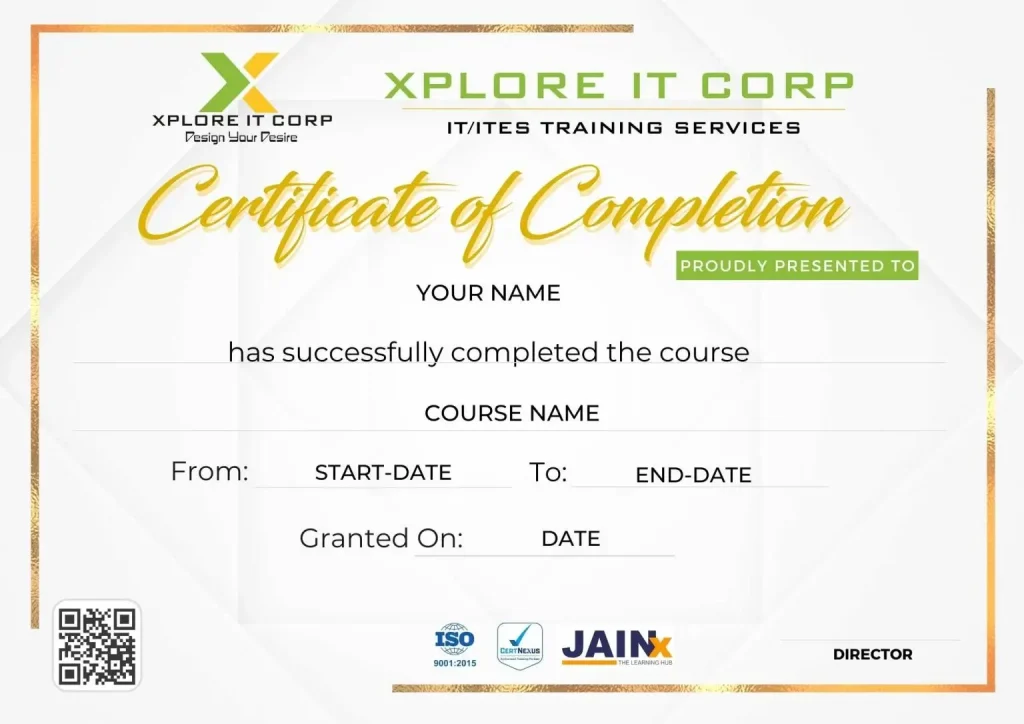
At the completion of the program, you will receive a certificate issued by Xplore IT Corp. The team will also provide career support and resume writing/interview tips and interview support.
Data Cleaning & Preparation
You will learn how to clean and prepare data in a raw format prior to creating dashboards. This will help you remove errors, redundant observations, or irrelevant information. When you prepare data properly, your reports will subsequently become cleaner and more professional.
Upcoming Batches
Classroom Training -
Learn, Practice,Succeed.
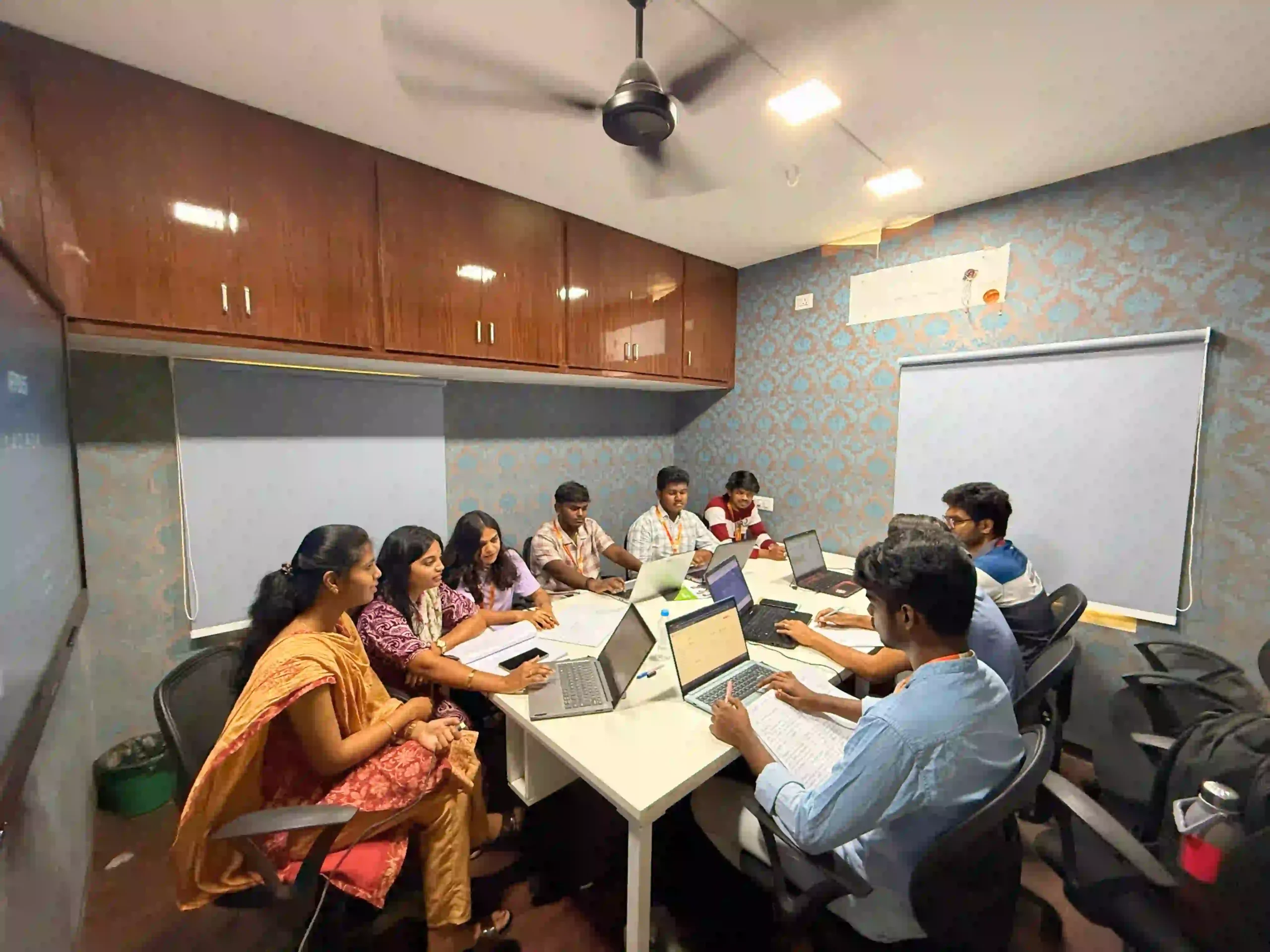
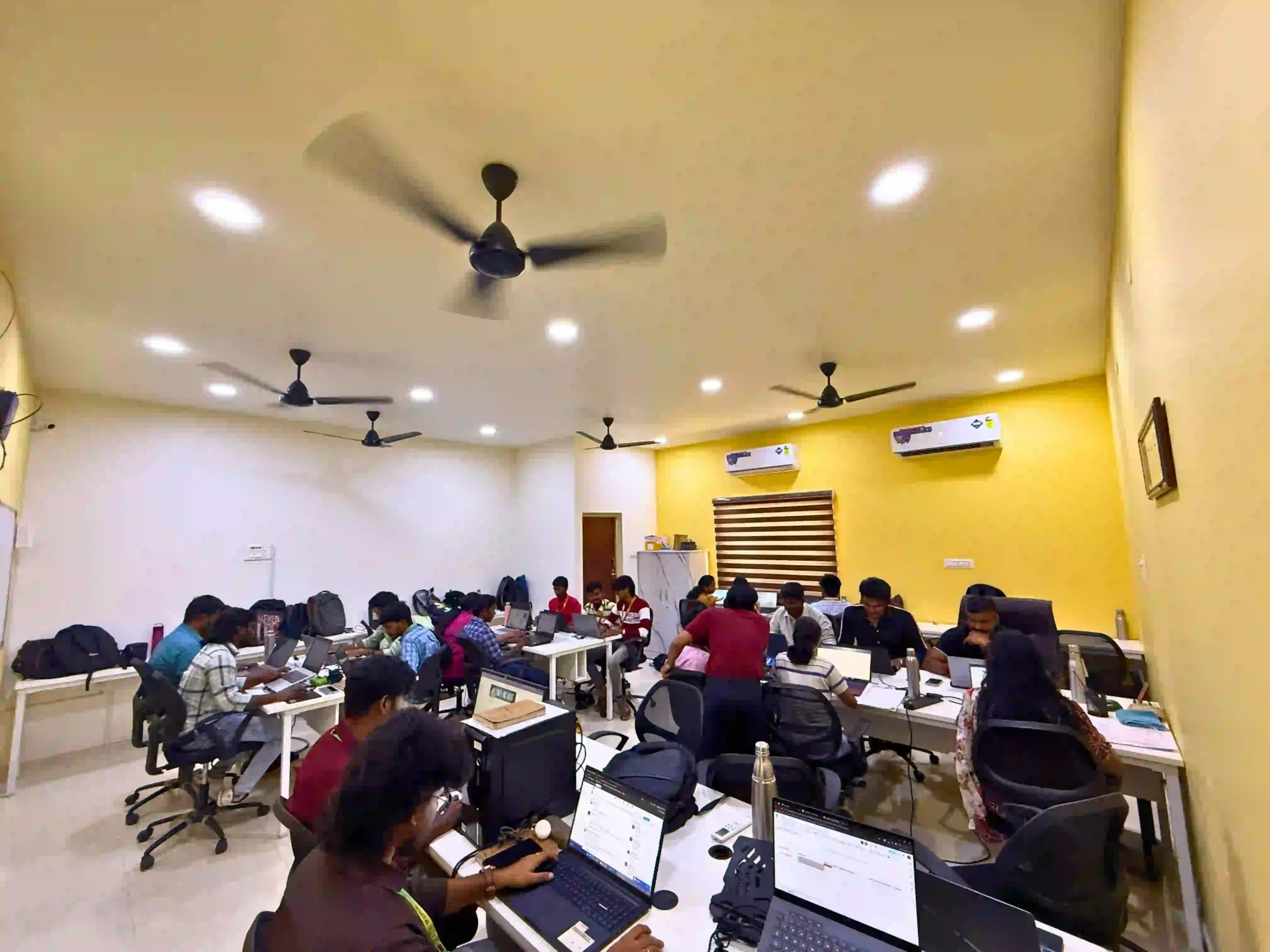
- At Xplore IT Corp, you will have the opportunity to learn by doing with real-time industry mentors.
- You will experience working with live Power BI projects, face-to-face interactions with industry experts, and obtain the necessary skills you need to get job ready faster.
- Don't wait for the perfect moment. Begin your career Developments today with Power BI Dashboard Training at Xplore IT Corp!
Online Training –
Learning on your own time
- Attend live interactive online sessions with a qualified trainer while getting instant help for your questions. It provides lifetime access to recordings.
- It is perfect for working professionals or students that want to develop their learning remotely at home without traveling.
- It is modern education - don't miss out! Register for your Power BI Dashboard Online Training with Xplore IT Corp today!
Reach Us Now!
Learning Outcomes of dashboard in Power BI
Complete Power BI Concepts
The 3 months Power BI Course in Coimbatore commences with the fundamentals of data visualization and business intelligence. Students will learn all of the key concepts in a step-by-step manner with easy-to-understand and practical Power BI learning.
Data Handling Skills
Students will learn to collect, clean, and organize data from different sources using Power Query and DAX. These data management skills will make up a key component of a Power BI Dashboard in Coimbatore.
Visualization and Reporting
In this Power BI course, you will learn to create charts, reports, or visualizations to improve your business decision-making. Trainers will assist you with building concise and aesthetically pleasing dashboards with types of data you will be using.
Integration and Automation
Students will also learn to connect, and combine data from Excel, SQL, or cloud services. The course will promote how to use a Dashboard in Power BI to share reports with others in an automated, and secure manner.
Analytical Thinking
Our program promotes learners to think logically, and base their decision-making on data. With guided projects, students will build capacity and confidence with their Power BI skills that will provide full value for the Power BI course fee they paid.
Power BI course Syllabus:
- Start Page
- Show Me
- Connecting to Excel Files
- Connecting to Text Files
- Connect to Microsoft SQL Server
- Connecting to Microsoft Analysis Services
- Creating and Removing Hierarchies
- Bins
- Joining Tables
- Data Blending
- Parameters
- Grouping Example 1
- Grouping Example 2
- Edit Groups
- Set
- Combined Sets
- Creating a First Report
- Data Labels
- Create Folders
- Sorting Data
- Add Totals, Sub Totals and Grand Totals to Report
- Area Chart
- Bar Chart
- Box Plot
- Bubble Chart
- Bump Chart
- Bullet Graph
- Circle Views
- Dual Combination Chart
- Dual Lines Chart
- Funnel Chart
- Traditional Funnel Charts
- Gantt Chart
- Grouped Bar or Side by Side Bars Chart
- Heatmap
- Highlight Table
- Histogram
- Cumulative Histogram
- Line Chart
- Lollipop Chart
- Pareto Chart
- Pie Chart
- Scatter Plot
- Stacked Bar Chart
- Text Label
- Tree Map
- Word Cloud
- Waterfall Chart
- Geographic map
- Filled map
- Crosstab
- Combines axis
- Motion chart
- Reference lines
- Convert to Custom SQL
- Dual Axis Reports
- Blended Axis
- Individual Axis
- Add Reference Lines
- Reference Bands
- Reference Distributions
- Basic Maps
- Symbol Map
- Use Google Maps
- Mapbox Maps as a Background Map
- WMS Server Map as a Background Map
Our Business Intelligence & Power BI Course Trainer

Aravinth Kuppusamy
Entrepreneur | Business Intelligence Consultant | BI Trainer
Aravinth is a seasoned BI consultant and entrepreneur with deep expertise in data analytics, dashboard engineering, and business-driven data transformation. With over a decade of industry experience, his training blends analytical thinking with modern BI tools to help learners master actionable insights and real-time decision-making.
14+ Years of Experience in IT & Data Analytics
200+ Batches Trained Across India
5000+ Students Mentored
Founder of Two EdTech Companies
Corporate Trainer for Leading Enterprises & MNCs
Technical Expertise
- Power BI Dashboard Development
- Data Modeling & DAX
- Excel for Business Analytics
- SQL for Data Extraction & Automation
- KPI Design, Business Insights & Storytelling
- Real-World BI Projects & Enterprise Reporting
Aravinth Kuppusamy
Entrepreneur | Business Intelligence Consultant | BI Trainer
Aravinth is a seasoned BI consultant and entrepreneur with deep expertise in data analytics, dashboard engineering, and business-driven data transformation. With over a decade of industry experience, his training blends analytical thinking with modern BI tools to help learners master actionable insights and real-time decision-making.
14+ Years of Experience in IT & Data Analytics
200+ Batches Trained Across India
5000+ Students Mentored
Founder of Two EdTech Companies
Corporate Trainer for Leading Enterprises & MNCs
Learning Experience
Aravinth’s training focuses on hands-on dashboard building, understanding business metrics, and developing enterprise-grade BI solutions. Students gain practical skills that directly translate into analytics roles in corporate environments.
Comprehensive Career Support & 100 %Job Placement Assistance for Power BI Dashboard
1. Resume and Profile Creation
- We assist you in creating a professional resume that highlights your Power BI and data analysis experience front and center
- You will also learn how to showcase your project and Power BI Dashboard experience in a way that wows employers.
2. Real-time Mock Interviews
- Students receive authentic mock interviews with feedback in real time to improve verbal communication and gain confidence.
- Trainers will discuss common Power BI and data visualization interview questions to assist with your professional preparation.
3. Business Projects and Portfolio Creation
- You will serve on business projects so you will gain business experience and portfolio creation skills.
- These projects will be designed specifically to highlight how Power BI tools and techniques have been utilized to solve real-world data challenges.
4. Placement and Career Assist
- Our placement staff works with leading organizations and connects students for job interviews.
- Our staff will also continue to develop your professional career path as it relates to your skills or capabilities in the BI field.
Benefits of Power BI Dashboard course Certificate:
The top Power BI Dashboard course provider in Coimbatore, offering comprehensive placement guidance to ensure your success.
Xplore IT Corp Recognition Certificate
After completing the course, you are granted an esteemed certificate from Xplore IT Corp indicating that you have genuinely learned the skills related to Power BI and are capable of applying that skill in a real work environment.
Proof of Practical Skills
This certificate validates that you did not just learn the theory of Power BI; you have actually used Power BI on real projects and learned the process of turning data into intelligence.
Better Job Opportunities
This certificate gives you greater opportunity to be noticed by major organizations in the job market. Xplore IT Corp is constantly recognized for recent graduates of the program being hired by major industry players.
Career Advancement and Promotion
The abilities you will learn will help you advance faster and into higher roles and higher paying roles
Competitive Advantage
Being certified will differentiate you from other employees. A certification demonstrates that you are a professional and serious about personal professional growth.
Companies our Students work In
Trained with real-time skills and practical knowledge, our students are now working with top organizations, driving growth and innovation across industries.

Voices of Our Graduates
From classroom to career success — read what our students and professionals have to say about their learning experience with us.




Benefits of Power BI Dashboard Course in Xplore IT Corp
Understanding Data:
You will gain an understanding of how to present complex data in simple charts and visuals which you can read quickly and effortlessly, allowing you to understand the business information in less time. It makes working and dealing with data fun rather than confusing.
Advance Your Thinking:
This course develops your ability to think smart with data to find insights that are useful, giving you confidence in using and solving data-focused challenges in the real world, as well as having better decision-making skills
Create Interactive Reports
You will learn how to build reports that can be clicked into, filtered, and explored, making data analysis enjoyable, interactive, and productive. The reports will make it easier for you to tell data stories.
Learn With Dashboard in Power BI:
You will learn how a dashboard in Power BI can change the way you monitor sales and performance in one location to provide you with faster, simpler, organized work while monitoring business growth with less difficulty.
Better Job Options:
The course creates marketable data skills that companies and organizations seek, providing you with the skills to advance your career and seek better job opportunities with upper confidence plus great chances to work on fun projects. Job Options Following Your Power BI Training.
Real-Time Business Application:
You will get to practice using Power BI in real-world business situations in order to get a feel for how students in business use data to make daily decisions. This will help you bridge your learning in the classroom with the situations you will encounter on the job. You will become more comfortable using your skills in real situations.
Reach Us Now!
Career Opportunities After Completing Power BI Dashboard Course:
Power BI Developer
- At the conclusion of your Power BI training in Coimbatore which includes placement @ xplore it corp , Power BI Developer is probably the most in-demand position. You will be responsible for the design, development, and maintenance of business intelligence dashboards and reports .
- Key skills: Power BI, DAX, Power Query, SQL, Excel and Data Modeling.
- Salary: 4 LPA (Newcomer) – 10+ LPA (Experienced).
Business Intelligence (BI) Analyst
- Once you obtain your Power BI course in Coimbatore, you can become a BI Analyst who transforms data to insight to enable business decision making .
- Key skills: Power BI, SQL, Data Visualization, Excel, Data Warehousing, Reporting.
- Salary: 4.5 LPA – 12 LPA.
Data Analyst
- Utilizing your Power BI certification course in Coimbatore, you can be a Data Analyst who interprets complex data and creates visual displays of that information.
- Key skills: Power BI, Excel, SQL, (Python), Data Cleaning, Reporting .
- Salary: 3.5 LPA – 9 LPA.
Business Analyst (Power BI included)
- If you enjoy bridging the gap between business goals and technology, a Business Analyst role is an excellent career path after completing your Power BI course at Xplore IT Corp.
- Key skills:Power BI, Excel, Business Process Analysis, SQL, Data Visualization.
- Salary:4 LPA.
Data Visualization Expert
- In this role, you will create informative, clear, and interactive dashboards for the organization using various visualization tools, Power BI among them.
- Key skills: Power BI, DAX, Tableau (optional), Storytelling with Data, UI/UX for Dashboards.
- Salary: ₹4 LPA – ₹10 LPA.
Power BI Consultant
- Once you have advanced skills on data modeling in Power BI from top Power BI training Institute in Coimbatore you can take a role of consultant for companies to help with implementing Bi solutions for them.
- Key skills: Power BI, Data Modeling, SQL Server, Azure, ETL Tools.
- Salary: ₹6 LPA – ₹15 LPA.
Data Engineer (Power BI)
- With Power BI and experience with Document Database and ETL it isPossible to take a role of Data Engineer to facilitate and create data pipeline in a organization.
- Key skills: SQL, Power BI, Azure Data Factory, Python, ETL, Data Modeling.
- Salary:₹5 LPA – ₹14 LPA.
Reporting Analyst
- This is a skilled candidate we noted who has a passion in building reports and dashboards in Power BI, and keen to stay on top of company Performance Indicator (PI) in Power BI for the company.
- Key skills: Power BI, excel, SQL, DAX, Report automation.
- Salary: ₹3.5 LPA – ₹8.5 LPA.
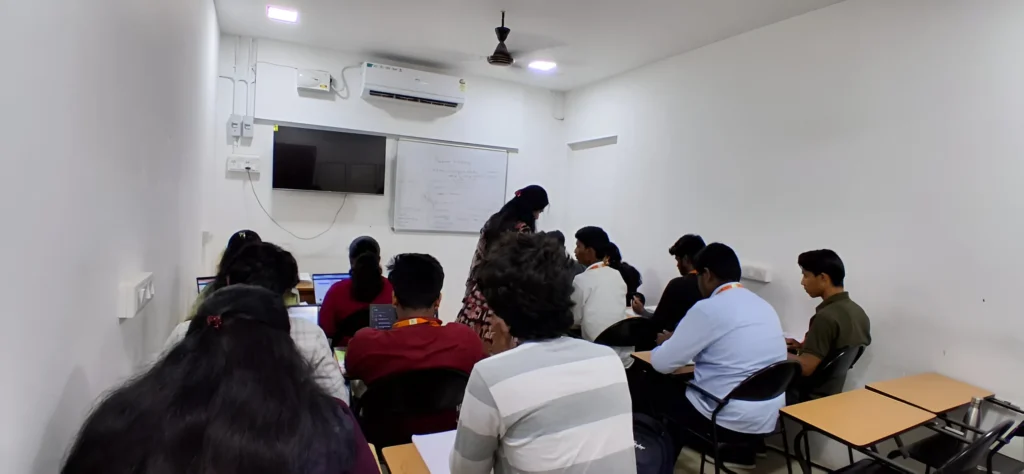
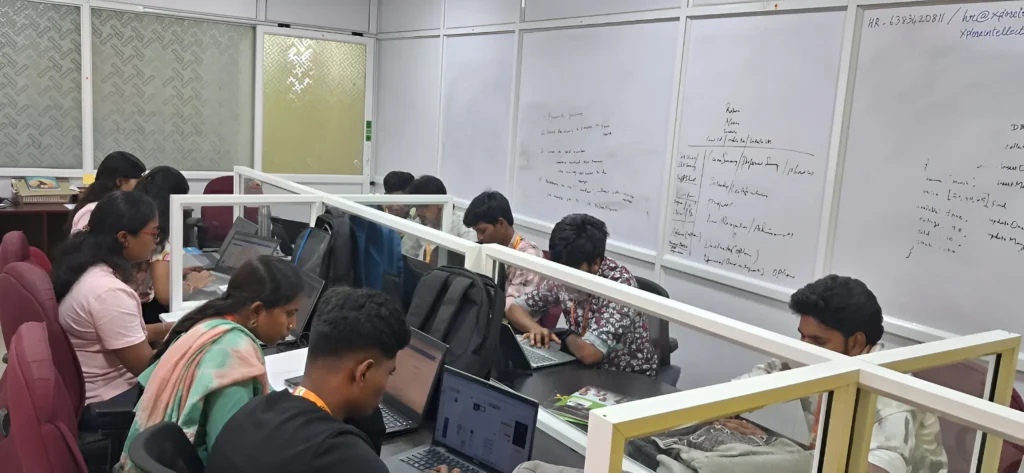
Our Placement Sessions

Frequently Asked Questions (FAQ)
Yes, you will learn how to import data from Excel, SQL, and other data sources to design interactive visual reports.
Yes, you will learn how to use DAX formulas and develop competent data models for analytical and transformative business data applications.
Yes, in Coimbatore, our placement support team will assist students with resume development and interview preparation.
Yes, we have weekend and part-time batches for working professionals and college students.
Yes, you will receive Power BI Certification from Xplore IT Corp after successful completion of the Power BI Course.
The course covers data visualization, dashboards, Power Query, DAX formulas, and publishing reports via Microsoft Power BI.
No, the course will cover the basic concepts, so even a beginner with no coding/data experience will find it easy to learn.
The Power BI training in Coimbatore course will normally take between 2 to 3 months to finish and will have flexible batch timings for students.