
Advanced Power BI Professional Program
Master data visualization and business intelligence using Power BI, real-world datasets, and hands-on projects to create interactive dashboards, drive insights, and support data-driven decision-making.
Professional Certification
Upon successful completion, you will receive an industry-recognized credential.
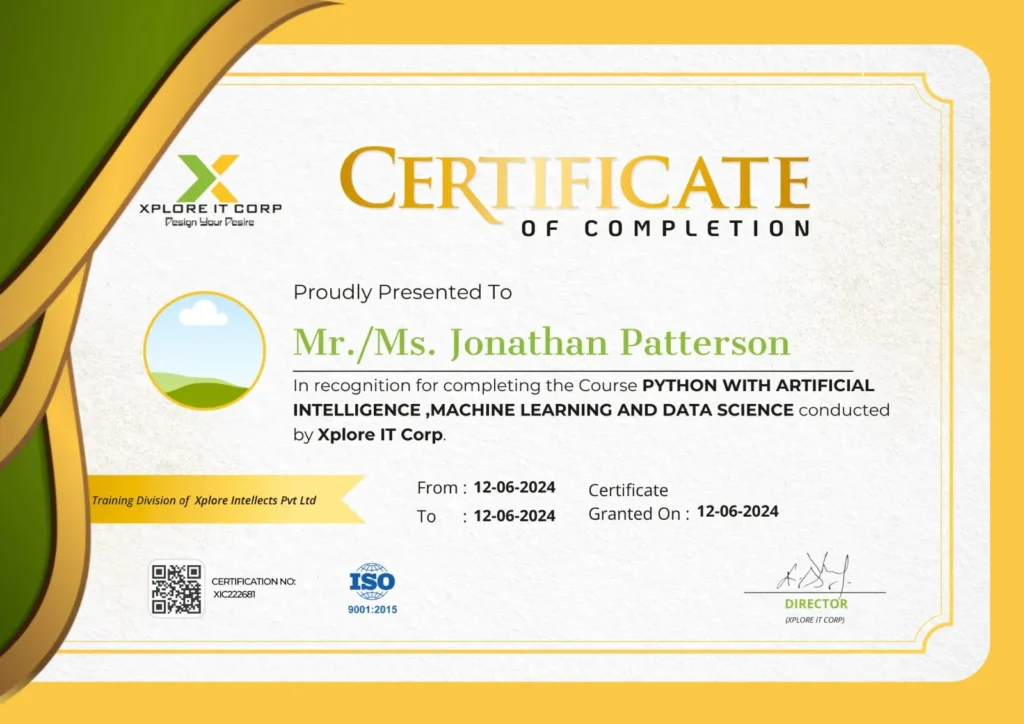
Industry-Validated Certification
Accredited by the Global Data Science Alliance and recognized by top tech employers worldwide.
Digital Verification
Includes a unique blockchain-verified ID that can be added directly to your LinkedIn profile.
Completion Criteria
Awarded upon submission of all 5 capstone milestones and passing the final technical assessment.

Aravinth Kuppusamy
Entrepreneur | Business Intelligence Consultant | BI Trainer
With a strong background in business intelligence and hands-on industry experience, Aravinth brings a practical, results-driven approach to Power BI training, simplifying complex data into clear, interactive, and actionable insights.
Focused on transforming Power BI expertise into job-ready skills through real-world dashboards, reporting, and data visualization best practices.
14+ Years
Experience in IT & Data Analytics
10+
Industry-Relevant Projects Delivered
200+
batches trained across India
5000+
Students Mentored









Course Syllabus
A comprehensive 12-week journey from basics to professional mastery.
- Introduction – Microsoft Power BI
- Introduction – Business Intelligence
- Introduction – Data Visualization
- Components of Power BI
- Power BI Desktop
- Introduction – Data Warehouse
- Power BI – Installation
- Power BI – Dynamic User Interface
- Power Query Overview
- PQ – Text Functions
- PQ – Date Functions
PQ – Number Functions - PQ – Conditional Columns & CFE
- PQ – Appending or Combining Files
- PQ – Merge Queries
Powerful Cleaning Features - Pivoting
- Unpivoting
- Working with Rows & Columns in PQ
- Working with Filters & Parameters
- Get Live Website Data in Power BI
- Get Google Forms(Google Sheets) Data in Power BI
- SharePoint in Power BI
- Get JSON Files in Power BI
- What is Report View
- Basic Visualization In Power BI
- Basic Charts in Power BI
- Formatting of Visuals in Power BI
- Working with Maps in Power BI
- Formatting of Pages & Reports
- Working with Themes
- Introduction to Analytic Artistry in Power BI
- Textualize Your Data in Power BI
- Conditional Formatting in Textual Data
- Filters & Slicers in PBI
- Introduction to Filters & Slicers
- Filters on Different Data Types
- Cards & KPIs in PBI
- Number Cards
- Textual Cards in PBI
- Using Actions to Enhance Data Visualization
- Elements in PBI
- Actions in PBI
- Q&A in Power BI
- Decomposition Tree in PBI
- Smart Narrative in PBI
- Increase & Decrease Feature in PBI
- Get Quick Insights in PBI
- What is Power BI Service
- Creating an Account in the PBI Service
- Publishing the Report to the PBI Service
- Exporting the Report
- Dashboard in Power BI
- Introduction to Power Pivot
- Introduction to Data Modelling
- Basic DAX Functions in PBI
- Calculated Column vs Measures
- Implicit Measures vs Explicit Measures
- CALCULATE Function
- Time Intelligence Functions
- MTD, QTD & YTD using Quick Measures
- Concatenated List of Values (Quick Measures)
- Star Rating using Quick Measure
- Table Functions