
Internet of Things (IoT) Professional Program
Master core IoT concepts, connected device architectures, and real-time data communication through hands-on labs and real-world projects to build industry-ready IoT engineering skills.
Professional Certification
Upon successful completion, you will receive an industry-recognized credential.
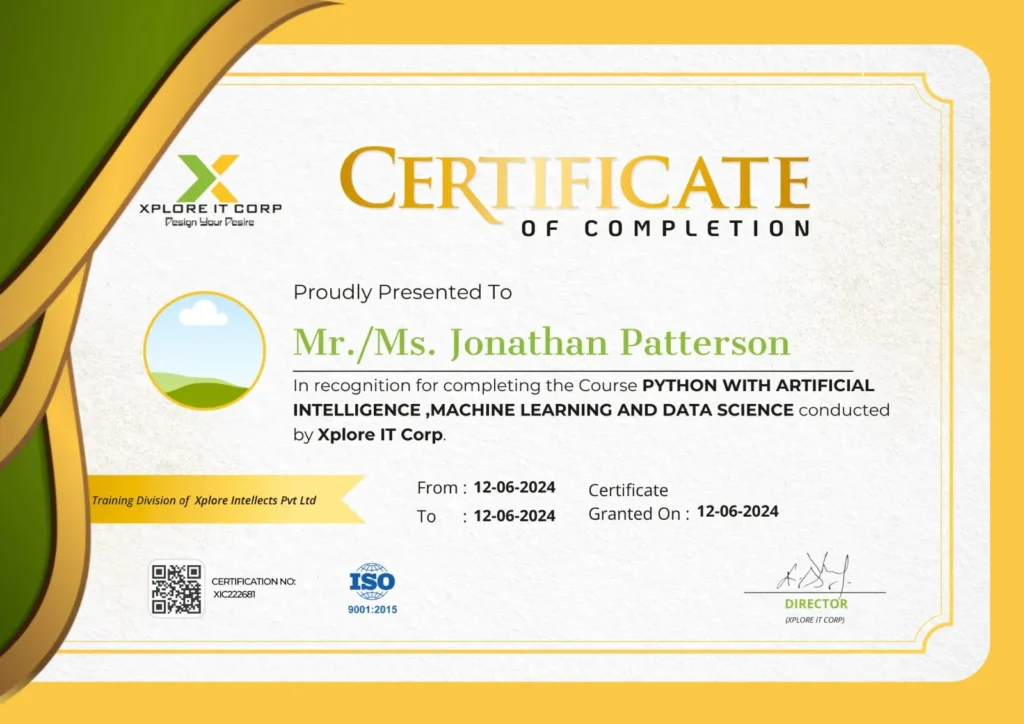
Industry-Validated Certification
Accredited by the Global Data Science Alliance and recognized by top tech employers worldwide.
Digital Verification
Includes a unique blockchain-verified ID that can be added directly to your LinkedIn profile.
Completion Criteria
Awarded upon submission of all 5 capstone milestones and passing the final technical assessment.

GOBINATH ARUMUGAM
Embedded Systems Engineer | IoT Architect | Technical Trainer
With a strong background in IoT technologies and connected systems, Gobinath Arumugam delivers a practical, results-driven approach to Internet of Things training, simplifying complex device connectivity, cloud integration, and data communication concepts into clear, structured, and industry-ready skills.
Focused on transforming IoT knowledge into real-world applications through hands-on projects, sensor integration, microcontroller-based systems, cloud platforms, and practical problem-solving.
13+ years
at Xplore IT Corp
150+
Institutions Reached
2000+ Batches
Trained Across India
50,000+
Students Trained








Course Syllabus
A comprehensive 12-week journey from basics to professional mastery.
- Why Raspberry pi
- Features of Raspberry pi
- Different uses of Raspberry pi
- Different Versions of Raspberry pi
- Different components of the Board
- Demo of Raspberry pi Boot-up and OS Demo on Screen
- Different Os Available
- How to Flash OS on Memory Card
- Playing Around shell (Nano. Ls. Commands. Etc.)
- What all can be Programmed
- Python
- C, C++
- Java
- Most of Linux Based Development Platform
- Getting Started with Python Programming
- Some Sample Programs
- Different OS Versions
- First-time Boot and Configuration
- time setting, Keyboard layout, disk expand
- Playing around different Pre-Installed apps
- History
- Features
- Setting up path
- Working with Python
- Basic Syntax
- Variable and Data Types
- Operators
- Break
- Continue
- Decision Making
- Looping
- Branch
- Accessing Strings
- Basic Operations
- String slices
- Function and Methods
- Accessing list
- Operations
- Working with lists
- Function and Methods
- Accessing tuples
- Operations
- Working
- Functions and Methods
- Accessing values in dictionaries
- Working with dictionaries
- Properties
- Defining a function
- Calling a function
- Types of functions
- Function Argument
- Anonymous functions
- Global and local variables
- Importing module
- Math module
- Random module
- Turtle module
- Packages Composition
- Class and Object
- Attributes
- Inheritance
- Overloading
- Overriding
- Data hiding
- Socket
- Socket Module
- Methods
- Client and server
- Internet modules
- Django and Python
- DRY programming Don’t Repeat Yourself
- How to get and install Django
- Getting started with Django
- About Open CV
- Installing Open CV
- Numpy, Matplotlib
- Scipy. PIL Onjectcofig
- iPython – Signal Processing with NumPy
- Image Processing Using CV2
- Shell Programming for blinking LED
- Introduction To Wiring pi Library (C Programming)
- Using wiring Pi Library for GPIO Access
- Wiring Pi Library-Installation
- Using Wiring Pi for GPIO Programming
- LCD (62) Interfacing to pi
- Control LEDS From GPIO Pins
- Input-Switch Buttons
- Temperature Sensor(1-Wire Temperature Sensor)
- ADC
- PIR-Sensor
- Introduction to Webiopi Framework
- GPIO-Control
- WebCam Installation
- Custom Webpage on Webiopi
- Integrating Webcam-Custom Page
- Auto Starting Webiopi on Boot
- Getting data from hardware
- Using temperature sensor
- Sending collected data to cloud
- Intro thing speak
- Exchanging data between server and client
- LED Blinking using Python Raspberry pi library
- Set up AWS account
- Quick connect
- View MQTT messages with the AWS IoT MQTT client
- Connect to AWS IoT Core
- Manage devices
- Tag resources
- Monitor AWS IoT
- Rules
- Jobs
- Commands
- Secure tunneling
- Event messages
- Troubleshooting
- IIoT-Introduction
- Industrial IoT: Business Model and Reference Architecture
- Industrial IoT- Layers: IIoT Sensing, IIOT Processing
- IIoT Communication.
- Industrial IoT: IIoT Networking
- IIoT Analytics – Introduction, Machine Learning and Data Science