
Data Analytics Course in Coimbatore
Looking to build practical data analytics skills with a Data Analytics Course in Coimbatore? Our course offers hands-on training with real datasets, practical projects, and industry-focused exercises. Develop job-ready data analytics skills while building a strong portfolio that showcases your abilities to potential employers.



Google Reviews

Justdial Reviews

Students Trained

Sulekha Reviews
Highlights of Our Course
A quick look at the practical features that make our Data Analytics course effective and career-focused while also building a strong base for data science learning.

Work with real datasets, practical exercises, and live projects to apply Data Analytics concepts in real-world situations.
Learn from certified Data Analytics professionals who simplify concepts and guide you through practical learning.
Build practical skills for Data Analytics roles while developing a strong foundation for future Data Science learning.
Choose a learning format and payment plan that suits your schedule, with options designed for students and working professionals.
Join upcoming batches regularly and start building your Data Analytics skills without waiting too long.
Outcomes Of The Course
By the end of this course, you’ll be able to work with data confidently—from preparing datasets and analysing information to creating clear reports and explaining insights. The focus is on understanding not just what to do, but why each step matters. The training will help you:
Learn how real business data is collected, cleaned, organised, and prepared before it is used for analysis.
Practise working with real datasets step by step and develop the confidence to explore, understand, and analyse different types of data.
Learn to look beyond numbers, identify patterns, ask the right questions, and understand what the data means for a business.
Build charts, reports, and visualisations that make data easier to understand and help communicate important findings clearly.
Develop practical skills with tools such as Excel, SQL, Python, and Power BI and understand how they support different stages of data analysis.
Build practical project experience and the confidence to move toward Data Analyst and related roles, while creating a strong foundation for further learning in Data Science.
Meet Our Course Trainer

Selva Sheeba B
Data Analyst and BI Trainer

I’m Selva Sheeba B, and I work as a Data Analyst and BI Trainer. My focus is on helping students understand how data is actually used in real work, not just how to run tools. Many people who start learning data analytics feel overwhelmed because there are many tools and concepts. I like to keep things simple and practical so beginners don’t feel lost. We start with the basics, understand what the data is telling us, and then slowly move toward analysis and dashboards. During training, I usually work with real datasets like sales reports, customer data, and business performance numbers. This helps learners understand how data changes and why those changes matter. Step by step, students learn how to clean data, analyze it, and present insights clearly.
3+ years of experience in data analytics and training
Trained more than 100 batches across India
Mentored 2000+ learners across multiple platforms
Guided students through real world analytics projects
Helped beginners understand data tools step by step
Our Accreditations
Our institute is recognised by leading industry bodies and organisations, ensuring that the training you receive meets the highest standards of quality and excellence.




Career Support & Placement Guidance
Career Support & Placement Guidance focuses on helping students move from learning to real job opportunities. This section covers resume support, interview preparation, project guidance, and ongoing career help.
Resume and Profile Support
A resume is not just a paper or biography; it is a profile of your skills. We teach students how to create a resume, what needs to be highlighted, and how to structure it in a way that HR professionals expect.
Interview Practice
Students gain real-time experience through mock interviews. They also receive feedback from the HR side, where they learn how to explain their solutions to problems clearly during real interviews.
Real Project Experience
All our students work on real-time projects. Here, they implement solutions and learn how to track those solutions and understand their impact. They can also highlight the solution and results in their resume.
Job and Placement Support
Students receive guidance from our team about walk-in interviews and current job openings. They also get references from our side. Support is provided to connect them with suitable opportunities based on their skills.
Ongoing Career Guidance
Even after training, students receive guidance on career direction. This helps them grow step by step and make better decisions as they move forward in their field.
Benefits of the Course at Xplore It Corp
This Data Analytics training is designed to support learners at different stages, combining practical learning, flexible options, trainer guidance, and career-focused support. The goal is to make concepts easier to understand and skills easier to apply.
Get ongoing guidance throughout the training, with doubts clarified and difficult concepts explained until you understand them confidently.
Learn through live sessions, real examples, and practical exercises that show how data analysis is applied in workplace situations.
Choose between online and offline training based on your schedule, learning preference, and routine.
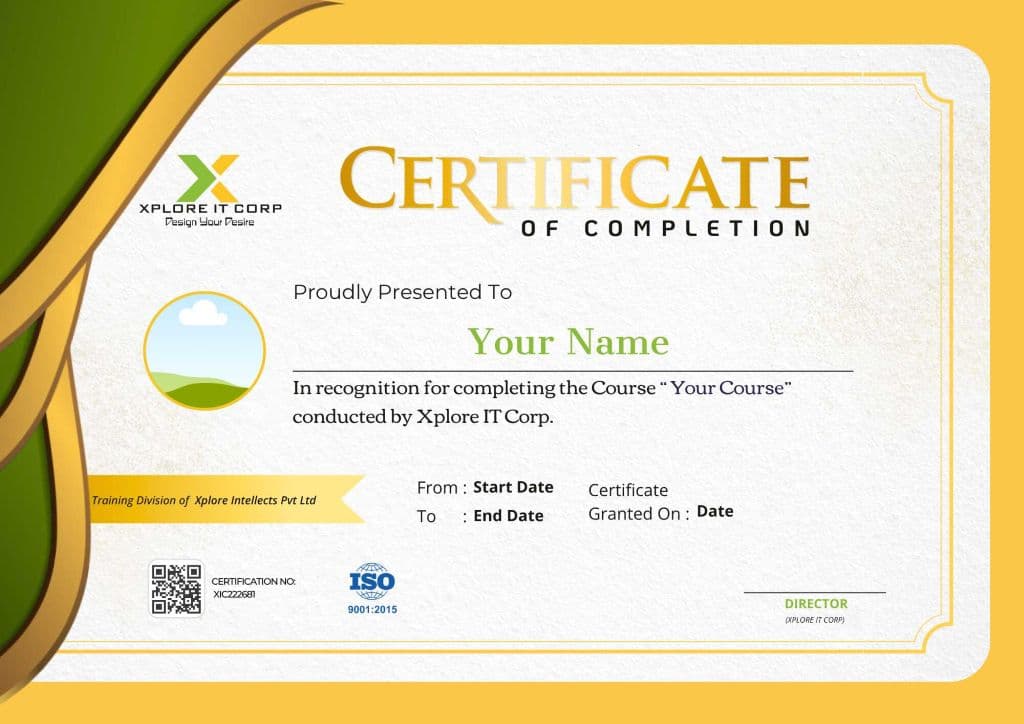
Receive a certificate after successfully completing the training, which you can include in your resume and professional profile.
Ask questions, discuss problems, and revisit challenging concepts with trainer support to strengthen your understanding.
Build practical Data Analytics skills and project experience that can support your preparation for Data Analyst and related roles.
Benefits Of The Course Certificate
Having an IT certification helps in many ways. It adds value to your profile and makes people take your skills a bit more seriously. It also shows that you completed the learning properly and didn't just stop in between.
Professional Credibility
When someone sees your certification, it builds trust. They can understand that you have put time and effort into learning the skill.
Job-Ready Knowledge
Certification helps you feel more prepared for real work. You get a better idea of how tasks are handled in actual jobs.
Skill Proof
During interviews, a certificate works as basic proof of what you know. It makes it easier to explain your skills.
Why Choose
Xplore It Corp's Course
Choosing the right place to learn Data Analytics matters. You need more than tools and theory—you need clear explanations, practical experience, trainer guidance, and support when you get stuck. At Xplore IT Corp, the focus is on helping you understand what you are learning and apply it with confidence.

Learning That Builds Real Understanding
Learn concepts step by step instead of simply memorising formulas or tools. Understand how data works, why each step matters, and how your analysis can support real business decisions.
One-on-One Guidance from Trainers
Get personalised guidance when you need help. Trainers can clarify doubts, explain difficult concepts, and help you improve your approach as you work through practical exercises and projects.
Practical Exposure to Real Use Cases
Go beyond classroom examples by working with practical datasets and business-related scenarios. Learn how Data Analytics concepts are applied to analyse information, create reports, and identify useful insights.
Support Beyond Regular Classes
Your learning does not stop when a session ends. Get guidance with difficult topics, project work, and questions that come up while practising on your own.
Learn at Your Own Pace with Continued Guidance
Revisit challenging concepts, ask questions, and strengthen your understanding with continued trainer support throughout your learning journey.
Clear Direction for Data Careers
At Xplore IT Corp, understand how your skills can connect to roles such as Data Analyst, Reporting Analyst, Data Visualization Analyst, and other data-focused positions, while identifying the skills you need to develop next.
Interview Preparation & Career Assistance
We mentor students step by step so they can attend interviews with confidence through our Data Analytics course in Coimbatore.
Our approach strengthens analytical thinking, data skills, and practical preparation techniques that help students perform well in job interviews.



Our placement-focused training is designed around current industry expectations. Students learn how to work with datasets, interpret insights, and explain their analysis clearly. Trainers share practical guidance based on real hiring patterns so candidates understand what recruiters look for in entry-level data roles.
We guide students in building professional resumes that highlight their projects, tools, and analytical skills effectively. Mock interview sessions are conducted to improve communication, logical thinking, and presentation confidence. Detailed feedback is provided after every session to help students improve consistently.
Our aim is to prepare students for real careers, not just course completion. With structured practice, project exposure, and continuous mentorship, learners build strong confidence in data handling and decision-making skills, helping them perform better in interviews and secure promising opportunities.
Career Opportunities After Completing the Course
After completing this Data Analytics Course in Coimbatore, learners can step into different roles based on their learning level and interest. These roles are commonly seen for freshers and early-career professionals.
Reporting Analyst
Salary Range:
₹4 - ₹5.5 LPA
Reporting Analysts prepare regular reports for teams and management using clean and structured data.
Required Skills:
Junior Data Analytics Executive
Salary Range:
₹3.5 - ₹5 LPA
This is a support role where learners assist senior analysts with data preparation and reporting work.
Required Skills:
Data Visualization Analyst
Salary Range:
₹4 - ₹5.5 LPA
This role focuses on turning data into charts and dashboards so others can understand information easily.
Required Skills:
Business Analyst
Salary Range:
₹ 4 - ₹6 LPA
Business Analysts focus on understanding business problems and using data to explain what can be improved.
Required Skills:
Data Analyst
Salary Range:
₹4.5 - ₹6 LPA
Data Analysts work with data to find patterns and prepare reports that help teams make decisions.
Required Skills:
Roles You Can Also Step Into
Common Interview Questions & Answers
Get quick answers to your questions. To understand more contact us.
Showing 5 of 5 questions
FAQ
Get quick answers to your questions.
To understand more, contact us.