



Google Reviews

Justdial Reviews

Students Trained

Sulekha Reviews
Highlights of Our Course
The UI UX Course in Coimbatore helps students to understand how digital products are designed for real users and how good design improves usability. Students learn how layouts, colors, and user flow work together to create smooth and meaningful experiences.

UI and UX fundamentals explained using real website and app examples
Designing screens with proper layout, spacing, and visual balance
Learning how user journeys and interactions are planned
Hands-on practice with wireframes, mockups, and design tools
Interview preparation focused on explaining design choices, not just tools
Outcomes Of The Course
This course helps learners move from understanding basic design ideas to creating usable and visually clear digital interfaces.
Create wireframes and screen layouts based on user needs and project goals
Design user interfaces with proper spacing, colors, and visual hierarchy principles
Plan user journeys and interaction flows for real-world web and mobile applications
Build mockups and interactive prototypes using commonly used UI/UX design tools
Review and improve interface designs based on usability testing and user feedback
Present design decisions confidently during interviews and portfolio discussions
Meet Our Course Trainer

Jishnu Jayaprakash
UI/UX Design Trainer

I’m Jishnu Jayaprakash, and I work as a UI/UX Design Trainer. My work is mostly about helping people understand how design really works, especially those who are just starting. If you’re new to UI/UX and feel confused about where to begin, that’s completely normal. Many students come in thinking design is only about making screens look nice. But once we start learning, they realise it’s more about understanding users and creating things that are easy for people to use. When I teach, I like to keep things simple. I show how ideas turn into wireframes, how those wireframes become real designs, and how every design choice affects the user experience. I explain things step by step so beginners don’t feel lost.
Helped beginners understand UI/UX from the ground level
Guided students through real design projects
Supported learners in building design portfolios
Encouraged creative thinking and design problem solving
Helped students prepare for UI/UX interviews
Our Accreditations
Our institute is recognised by leading industry bodies and organisations, ensuring that the training you receive meets the highest standards of quality and excellence.





Career Support & Placement Guidance
Career Support & Placement Guidance focuses on helping students move from learning to real job opportunities. This section covers resume support, interview preparation, project guidance, and ongoing career help.
Resume and Profile Support
A resume is not just a paper or biography; it is a profile of your skills. We teach students how to create a resume, what needs to be highlighted, and how to structure it in a way that HR professionals expect.
Interview Practice
Students gain real-time experience through mock interviews. They also receive feedback from the HR side, where they learn how to explain their solutions to problems clearly during real interviews.
Real Project Experience
All our students work on real-time projects. Here, they implement solutions and learn how to track those solutions and understand their impact. They can also highlight the solution and results in their resume.
Job and Placement Support
Students receive guidance from our team about walk-in interviews and current job openings. They also get references from our side. Support is provided to connect them with suitable opportunities based on their skills.
Ongoing Career Guidance
Even after training, students receive guidance on career direction. This helps them grow step by step and make better decisions as they move forward in their field.
Benefits of the Course at Xplore It Corp
At Xplore IT Corp, the UI UX course in Coimbatore teaches students how to plan and build user-centric digital products
Students learn step by step, starting with basic design principles and moving toward complete interface design.
Regular practice helps learners create layouts, wireframes, and screen designs with confidence
The course suits college students, job seekers, and working professionals across industries.
Lessons focus on skills needed for junior UI designers and UX roles globally.
Classroom and online students follow the same learning plan and receive the same trainer support.
Students learn to use industry standard design tools such as Figma and Adobe XD for creating modern user interfaces.
Benefits Of The Course Certificate
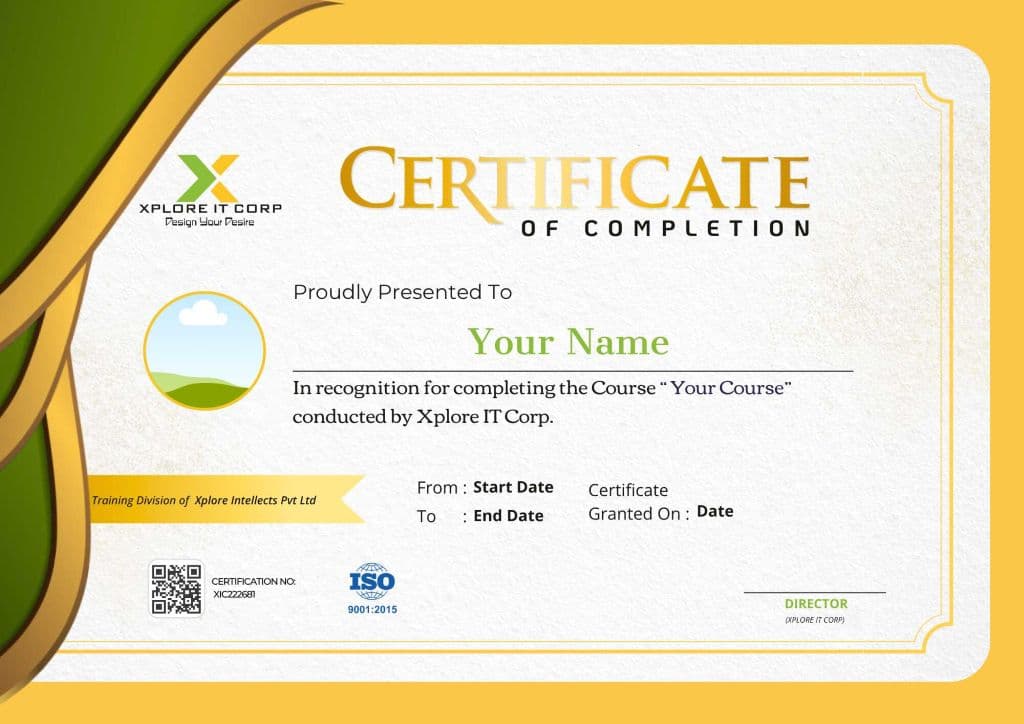
Having an IT certification helps in many ways. It adds value to your profile and makes people take your skills a bit more seriously. It also shows that you completed the learning properly and didn't just stop in between.
Professional Credibility
When someone sees your certification, it builds trust. They can understand that you have put time and effort into learning the skill.
Job-Ready Knowledge
Certification helps you feel more prepared for real work. You get a better idea of how tasks are handled in actual jobs.
Skill Proof
During interviews, a certificate works as basic proof of what you know. It makes it easier to explain your skills.
Why Choose
Xplore It Corp's Course
UI/UX design is not just about making screens look good. It is about understanding users, solving real problems, and creating meaningful user experiences.

Strong foundation in design thinking
We begin with the basics of user experience, user research, and interface principles. Students learn how to understand user behavior, create wireframes, and plan user journeys before moving to visual design.
Hands-on training with real design tools
You will work with popular UI/UX tools used in the industry. From creating wireframes to building interactive prototypes, every concept is practiced step by step with guidance from experienced trainers.
Real-time projects and portfolio building
We help students design complete case studies based on real-world scenarios. By the end of the course, you will have a strong portfolio that showcases your practical skills and problem-solving ability.
Mentor support and individual feedback
Our small batch approach ensures personal attention. Trainers review your designs, suggest improvements, and guide you in refining your creative thinking and usability approach.
Industry-focused curriculum
The course structure is aligned with current UI/UX job roles and company expectations. You learn not only design concepts but also how to present your work professionally during interviews.
Career guidance and interview preparation
We support you with resume building, portfolio presentation tips, mock interviews, and job guidance so you can confidently apply for UI/UX roles.
Student Projects

Interview Preparation & Career Assistance
We prepare students step by step so they can confidently attend interviews after completing our UI UX Course in Coimbatore.
Our training strengthens design thinking, user research skills, and practical portfolio preparation to help students stand out during hiring processes.



Our career-oriented guidance reflects real industry expectations. Students work on wireframes, prototypes, and usability improvements while learning how to present their design decisions clearly. Mentors share practical insights into how companies evaluate creativity, problem-solving ability, and user-centered thinking in fresh designers.
We support learners in building professional portfolios that showcase case studies, design processes, and tool proficiency effectively. Mock interview sessions help improve presentation confidence and communication clarity. Detailed feedback is provided after every session so students can refine both technical and soft skills.
Our focus is to make students industry-ready designers, not just course finishers. With continuous practice, real-time projects, and structured mentorship, learners develop the confidence and practical exposure required to secure opportunities in the UI UX field.
Career Opportunities After Completing the Course
Junior UI Designer
Salary Range:
₹3 – 4.5 LPA - ₹6 – 9 LPA
Create screen layouts and visual elements for websites and apps. Work with senior designers to apply colors, fonts, and spacing based on design guidelines.
Required Skills:
UX Designer
Salary Range:
₹4 – 6 LPA - ₹8 – 12 LPA
Focus on how users move through an app or website. Plan user flows, improve usability, and make screens easier to understand.
Required Skills:
UI UX Designer
Salary Range:
₹4.5 – 7 LPA - ₹9 – 14 LPA
Design both the look and the user experience of digital products. Turn ideas into wireframes and final screen designs.
Required Skills:
Product Designer
Salary Range:
₹5 – 7.5 LPA - ₹10 – 15 LPA
Work on full product design from concept to final interface. Balance business needs with user comfort and ease of use.
Required Skills:
Roles You Can Also Step Into
Common Interview Questions & Answers
Get quick answers to your questions. To understand more contact us.
Showing 5 of 5 questions
FAQ
Get quick answers to your questions.
To understand more, contact us.